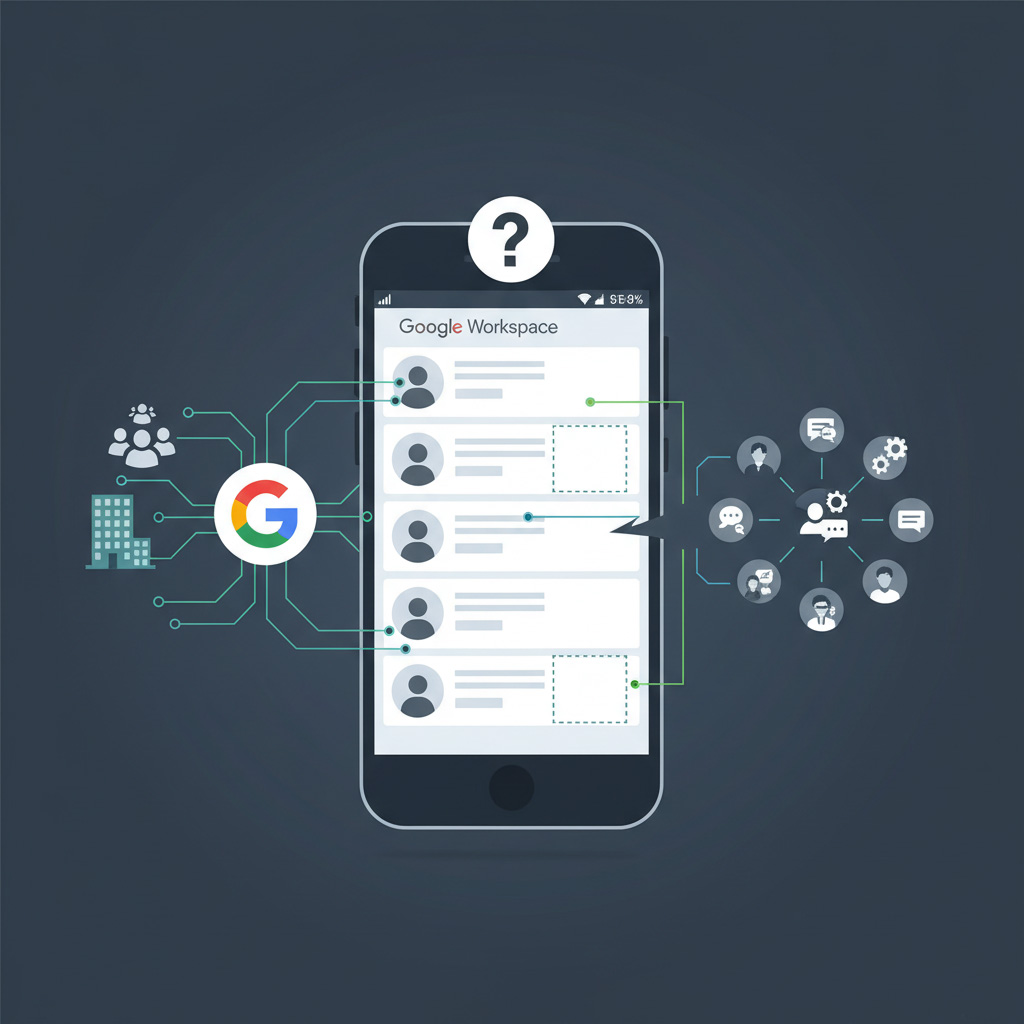
Most companies assume Google Workspace handles team contacts natively. However, Google’s built-in tools like Delegation and the Domain Directory have major limitations when it comes to sharing organized labels.
To truly collaborate, teams need a way to share entire contact groups with real-time synchronization. Here is how LabelGlow compares to native Google methods.
TL;DR: Google Workspace Directory vs LabelGlow
- Google’s built‑in tools like Delegation and the Domain Directory help you find people, but they don’t share your labeled contact groups or external clients across the team.
- Most “shared contacts” approaches just copy data once; they don’t keep everyone in sync when phone numbers, roles, or owners change.
- LabelGlow syncs specific Google Contacts labels as a live, shared directory for your team, with automatic updates and native support on phones and Gmail.
How far can Google’s native tools go for shared contacts?
Google offers basic ways to share, but they often fall short for modern teams:- Contact Delegation: Allows you to invite a “delegate” to view your contacts. It works for one-on-one sharing but is impossible to manage for teams.
- Domain Directory: Admins can make employee profiles searchable, but this does not share your private, organized contact labels or external clients.
- LabelGlow Sync (Recommended): Unlike manual methods, LabelGlow allows you to share specific labels with colleagues or external users while maintaining a “Live Sync.”
What’s the real difference between “shared” contacts and synced contacts?
There is a vital difference between simply sharing a contact and syncing it with LabelGlow: Shared (The “Copy” Model): Most methods just send a copy of the data. If the phone number changes later, the shared version becomes outdated. This leads to data silos and confusion. Synced (The LabelGlow Model): Everyone looks at the “Single Source of Truth.” One update to a contact pushes instantly to every team member’s phone, Gmail, and Calendar. It’s not just shared; it’s alive.Google Delegation vs LabelGlow Sync (side‑by‑side)
| Feature | Google Delegation | LabelGlow Sync |
|---|---|---|
| Team Label Sharing | No | Yes (Automated) |
| Live Updates | Manual Steps | Instant Sync |
| Mobile Integration | Limited | Full Native Sync |
Next steps: When to move from Google Directory to LabelGlow
While native delegation works for individuals, professional teams require the granular permissions and automated syncing that only a specialized tool like LabelGlow can provide. Google Delegation and the Workspace Directory solve simple problems, like letting people find coworkers or giving one assistant access to a manager’s contacts. They were never designed to act as a shared, labeled client directory for an entire team. When you need live, labeled contact groups that stay in sync across sales, support, operations, and leadership, it’s time to move from “native only” to a specialized sync layer.- Review how you currently share contacts. Are you relying on the Domain Directory, CSV exports, or one‑off delegations? Read How to Share Google Contacts with Others (and Why Syncing is Better than Exporting) to see the full landscape.
- Decide which labels should be shared. Identify key groups like “Active Clients”, “Partners”, and “Vendors” that should be visible to your team as shared labels in Google Contacts.
- Connect LabelGlow on top of Google Workspace. Use LabelGlow to sync those labels into each user’s Google Contacts, then choose the right option on the LabelGlow Plans section.
- Introduce it with concrete use cases. Show teams how synced labels help in practice by sharing scenarios like Managing projects: Why you need live labels or Cloud Success.