
TL;DR: Why projects need live contact labels, not spreadsheets
- Project contact spreadsheets are slow, static, and rely on everyone manually saving numbers to their own phones.
- When contractors, vendors, or stakeholders change numbers, your project directory is instantly out of date unless you remember to update every copy.
- LabelGlow lets you create a project label in Google Contacts (for example, “Project Alpha”) and keep that live contact list synced to every team member’s phone automatically.
In any complex project, you aren’t just managing tasks; you are managing people. Often, those people are a mix of internal staff, external freelancers, and vendors. But how does everyone stay in touch without a messy, outdated spreadsheet?
Today, we explore why the “Project Directory” spreadsheet is a bottleneck and how synchronized labels keep your team connected and on schedule.
Why your “project directory” spreadsheet is slowing everyone down
On paper a central spreadsheet sounds organized, but when your team is out in the field it quickly breaks down:
- No Caller ID: When a freelancer calls, team members don’t recognize the number.
- Manual Entry: Every staff member has to manually save numbers to their own phones.
- Outdated Data: If a vendor’s number changes, the spreadsheet becomes a liability until someone remembers to update it.
How LabelGlow project labels keep every stakeholder in sync
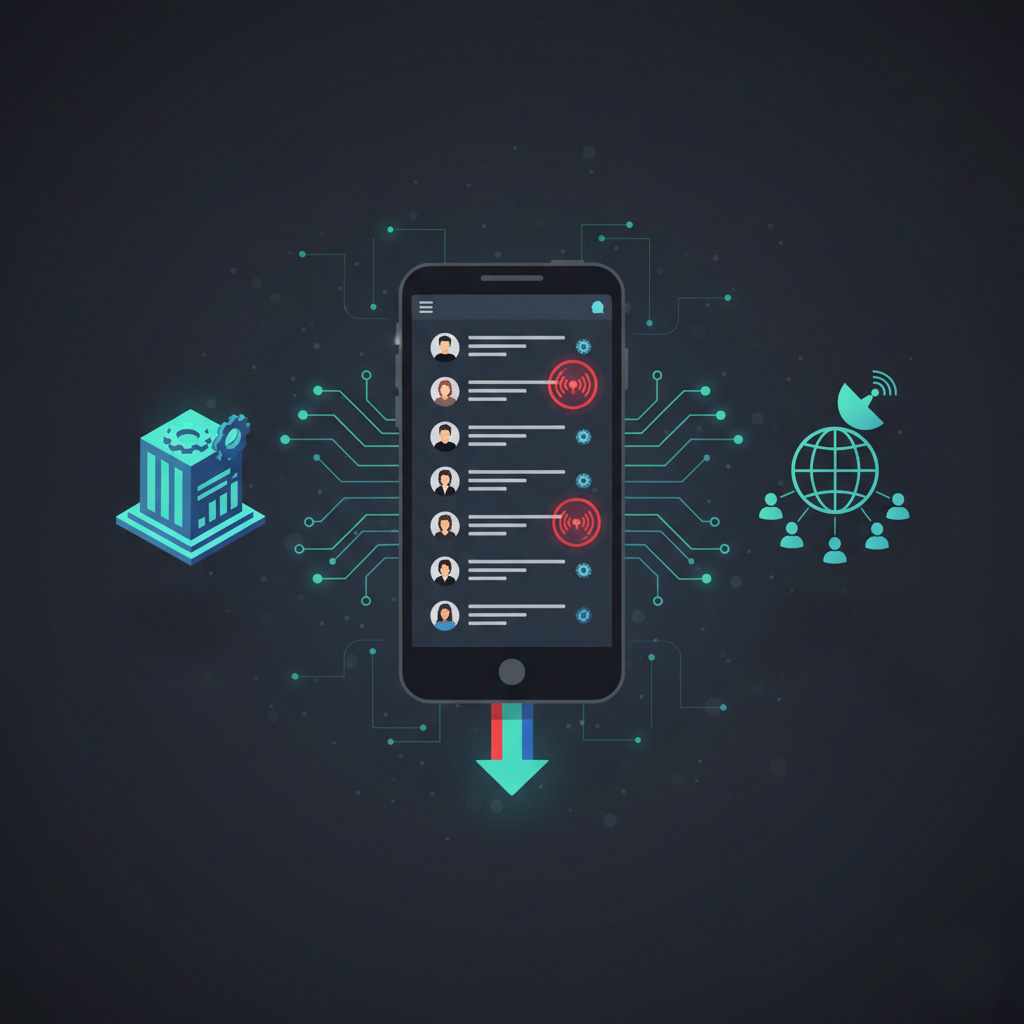
LabelGlow turns your project contacts into a “Live” system. By creating a specific label for your project (e.g., “Project Alpha”), you can sync every stakeholder’s info directly to your team’s smartphones.
Instant Team Sync:
One update by the Project Manager pushes the new contact info to the entire team’s native address book. No more “Who is this?” or “Can you send me his number?” texts.
Native Mobile Performance:
Contacts live natively on the device. This means instant Caller ID, one-tap texting, and seamless integration with WhatsApp and email, all without leaving your phone’s dialer.
Project spreadsheets vs LabelGlow sync (efficiency in the field)
| Feature | Project Spreadsheets | LabelGlow Sync |
|---|---|---|
| Access Speed | Slow (Manual search) | Instant (Native dialer) |
| Team Accuracy | Low (Static versions) | High (Live Sync) |
| Caller ID | No | Yes (System-wide) |
Next steps: Turn your project contact list into a live system
Instead of fighting with static lists and last‑minute number requests, you can give your project team a shared, always‑current contact directory that lives directly in their phone’s address book.
- Define your project stakeholder groups.
List the internal staff, external contractors, and key vendors that should appear under your project label (for example, “Project Alpha”). - Learn how shared Google Contacts work for teams.
See the bigger picture of sharing and syncing contacts in How to Share Google Contacts with Others (and Why Syncing is Better than Exporting). - Create a dedicated project label in Google Contacts.
Add your project stakeholders to a Google Contacts label, then use LabelGlow to sync that label to every relevant team member’s account. - Connect LabelGlow on top of your workspace.
Set up syncing for your project labels and choose the right plan on the LabelGlow Plans section. - Extend this pattern to events and households.
Use the same “live label” approach for events and families by reading Planning an event? Sync your guest list and Is Your Nanny Ready? How to Share Emergency Contacts with Your Household Staff.